If you’ve ever hired moving heads, LED PARs or other lighting equipment, you’ve probably come across the term DMX.
But what is it, how does it work, and do you actually need to know about it?
Whether you’re lighting a school musical, putting on a live event or just starting to explore event lighting, here’s our beginner’s guide to DMX.
So, what is DMX?
DMX stands for Digital Multiplex. In simple terms, it’s a way of telling lighting fixtures what to do.
It allows a lighting desk or controller to send instructions to your lights, controlling things like colour, brightness, movement, zoom and effects.
Instead of manually adjusting every fixture, you can control multiple lights from one place and create different looks at the touch of a button.
It’s what makes coordinated lighting shows possible.
How does it actually work?
A basic DMX setup usually consists of three things:
- A lighting controller: This is where you create and control your lighting looks.
- DMX cables: These carry the control signal between your controller and fixtures.
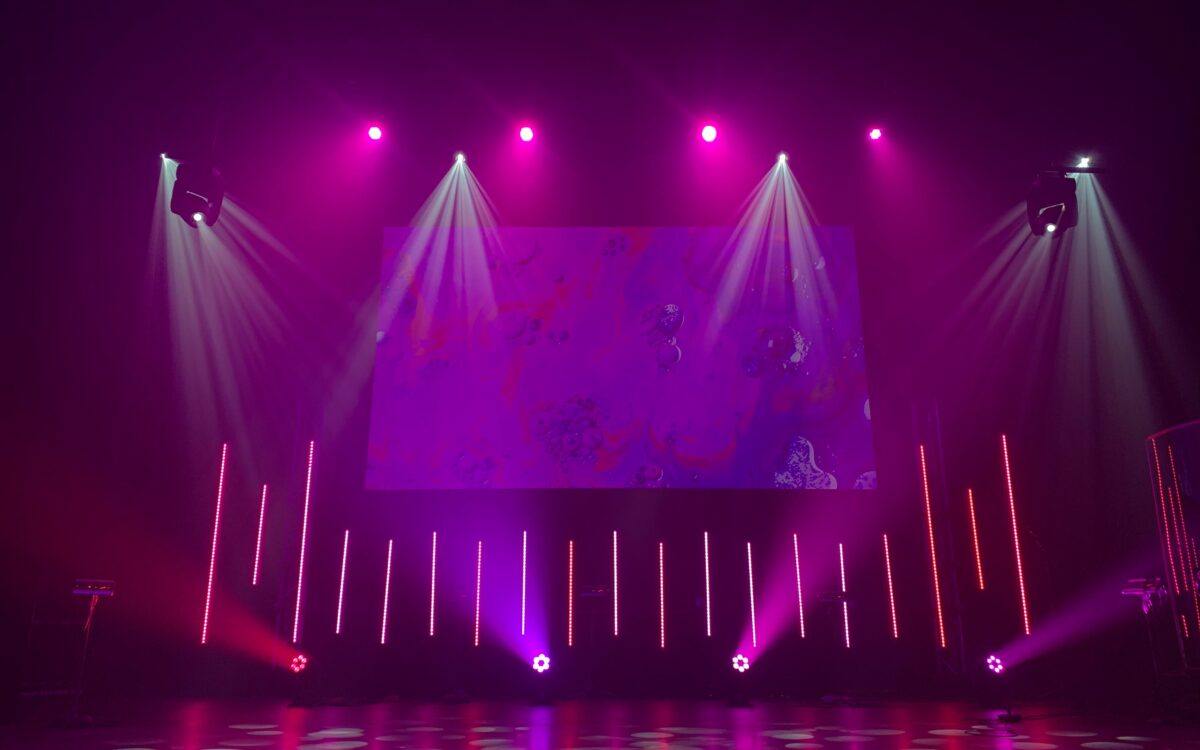
- Lighting fixtures: Your PARs, moving heads, washes and other DMX-compatible lights.
The controller sends a signal along the DMX line, allowing each fixture to respond to its assigned instructions.
A simple setup might look like this:
Lighting desk → Light 1 → Light 2 → Light 3
The fixtures are typically connected in a daisy chain, with the DMX signal passing from one fixture to the next. Larger or more complex rigs may need splitters or distribution equipment, and suitable DMX termination at the end of the line.
What are DMX addresses?
This is where things can sound a little confusing, but stick with us!
Each DMX fixture needs an address so it knows which control channels to listen to.
Think of the address as the starting point for that fixture’s instructions.
For example, if you have a simple fixture using 6 DMX channels, you could set it to address 1.
Your next fixture could start at address 7, and your third at address 13.
That way, each fixture has its own section of the DMX signal.
It’s important to remember that the number of channels a fixture uses depends on its DMX mode. Always check the fixture’s manual before setting addresses.
What are DMX channels?
DMX uses channels to send different instructions to a fixture.
Each DMX channel carries a value from 0 to 255.
Depending on the fixture, these values can control different functions.
For example, a fixture might use channels for:
- Red, green, blue and white colour
- Dimmer
- Pan and tilt
- Zoom
- Colour or effect selection
A basic LED PAR might only need a handful of channels, while a moving head can use considerably more.
This is why checking the DMX channel mode of your fixtures is important when planning your setup.
Do I need a lighting desk?
Not necessarily.
A lighting desk is ideal if you want detailed control, programmed cues or a more complex lighting show.
But for simpler events, some fixtures offer automatic programmes, sound-active modes or master/slave operation.
These can be useful for parties and straightforward setups where you don’t need to programme every lighting change.
If you’re running a school production or theatre show, however, DMX control is generally worth considering. It allows you to create repeatable lighting cues and change scenes smoothly.
What about DMX splitters and wireless DMX?
As your lighting rig grows, you may need a little extra help getting the signal where it needs to go.
DMX splitters take a DMX input and distribute it to multiple outputs, helping organise larger setups and isolate sections of the rig.
Wireless DMX can also be useful where running cables isn’t practical, although compatibility, signal reliability and the radio environment all need to be considered.
For smaller setups, a straightforward wired DMX chain is often all you need.
Our top DMX tips
If you’re putting together your first lighting rig, here are a few things we’d recommend:
- Check the DMX mode and channel count of every fixture.
- Plan your addresses before you start connecting everything.
- Use proper DMX cables rather than assuming any audio cable will do.
- Check your signal connections and termination where required.
- Test each fixture individually before programming your show.
- Label your cables and fixtures, particularly on larger setups.
- Make sure stands, rigging, power and cable runs are safe and suitable.
A little preparation makes programming and troubleshooting much easier.
DMX doesn’t have to be complicated
Once you understand addresses, channels and how the signal travels, DMX becomes much less intimidating.
It’s a brilliant way to get more out of your lighting equipment, whether you’re creating simple colour changes for a party or programming a full school production.
And you don’t need to start with a huge rig. Even a few well-positioned fixtures can give you plenty of creative options.
Need lighting equipment for your next event?
We provide dry-hire lighting, control and AV equipment for school productions, live events, parties and more.
If you’re not sure which fixtures, lighting desk or DMX accessories you need, get in touch with us. Tell us what you’re planning and we’ll help you put together a lighting package that works for your event.